Reorder, hide, edit or delete products
Drag products into order on the Store tab, hide them without deleting, or edit and delete them in My Products.
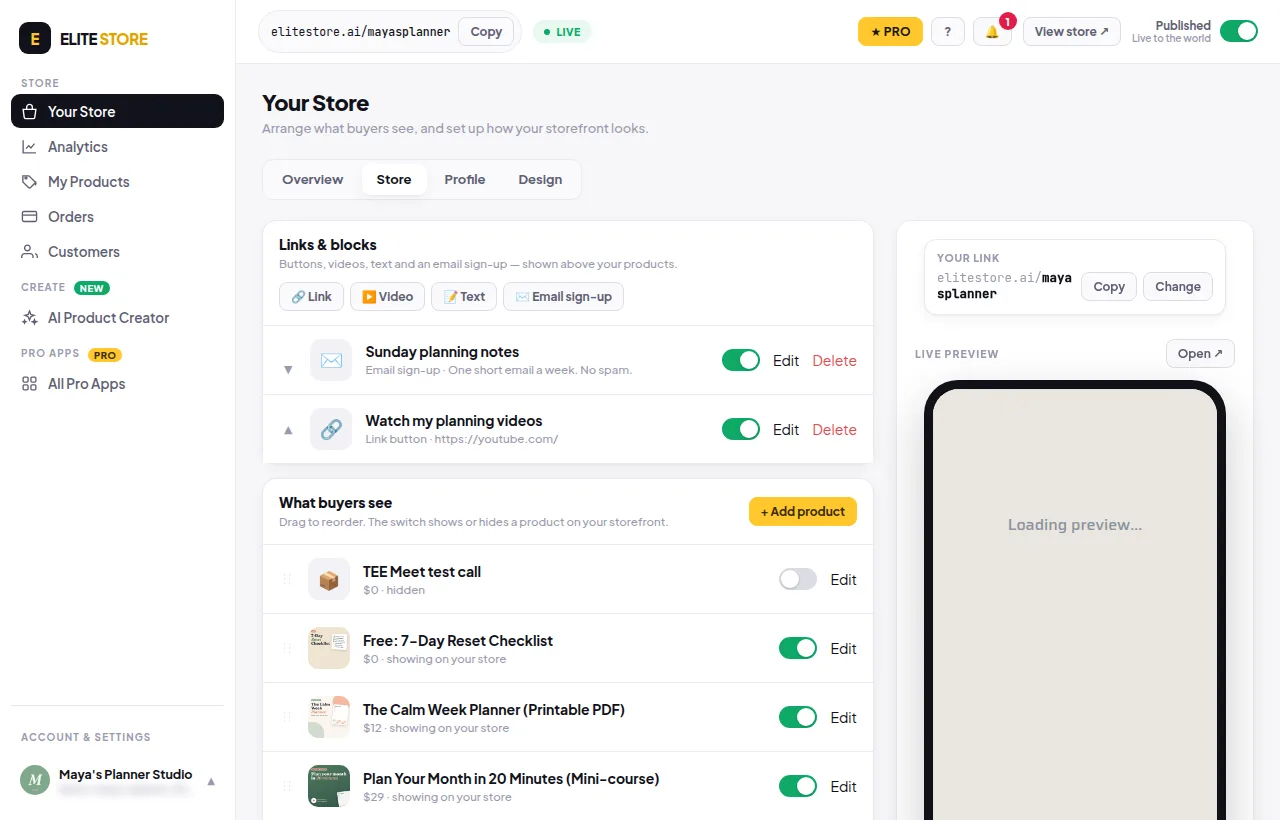
- Go to Your Store → Store and scroll to What buyers see.
- Drag a product by its handle to move it up or down. The new order saves by itself. Dragging works best on a computer.
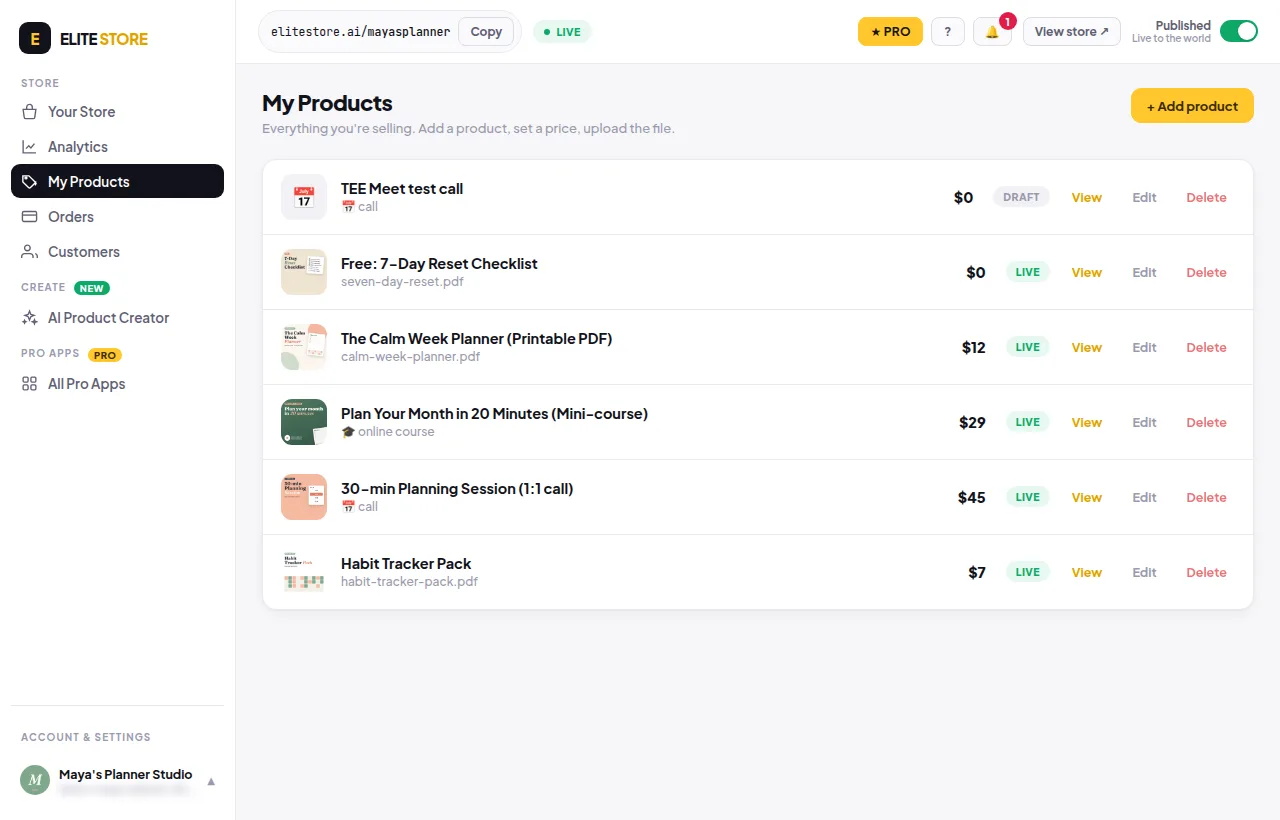
- Use the switch to show or hide a product. Hiding sets it to Draft. Nothing is deleted.
- To change a product, click Edit. To remove it for good, go to My Products and click Delete (it asks first).
Was this helpful?Thanks for letting us know.
Questions? Email support@theeliteengines.com.