Host a webinar
Sell seats to a live session on Zoom, Meet or Teams with a real seat limit, invites and reminders.
- Click + Add product and pick Host a webinar.
- Set the Date, Start time, Your time zone and Length.
- Enter the number of Seats. Tick “Show seats left” to show the real number on the page.
- Choose Use my meeting link and paste it (https://…), or I’ll email the link.
- Add a price (0 for a free webinar), a cover, set it to Live and save.
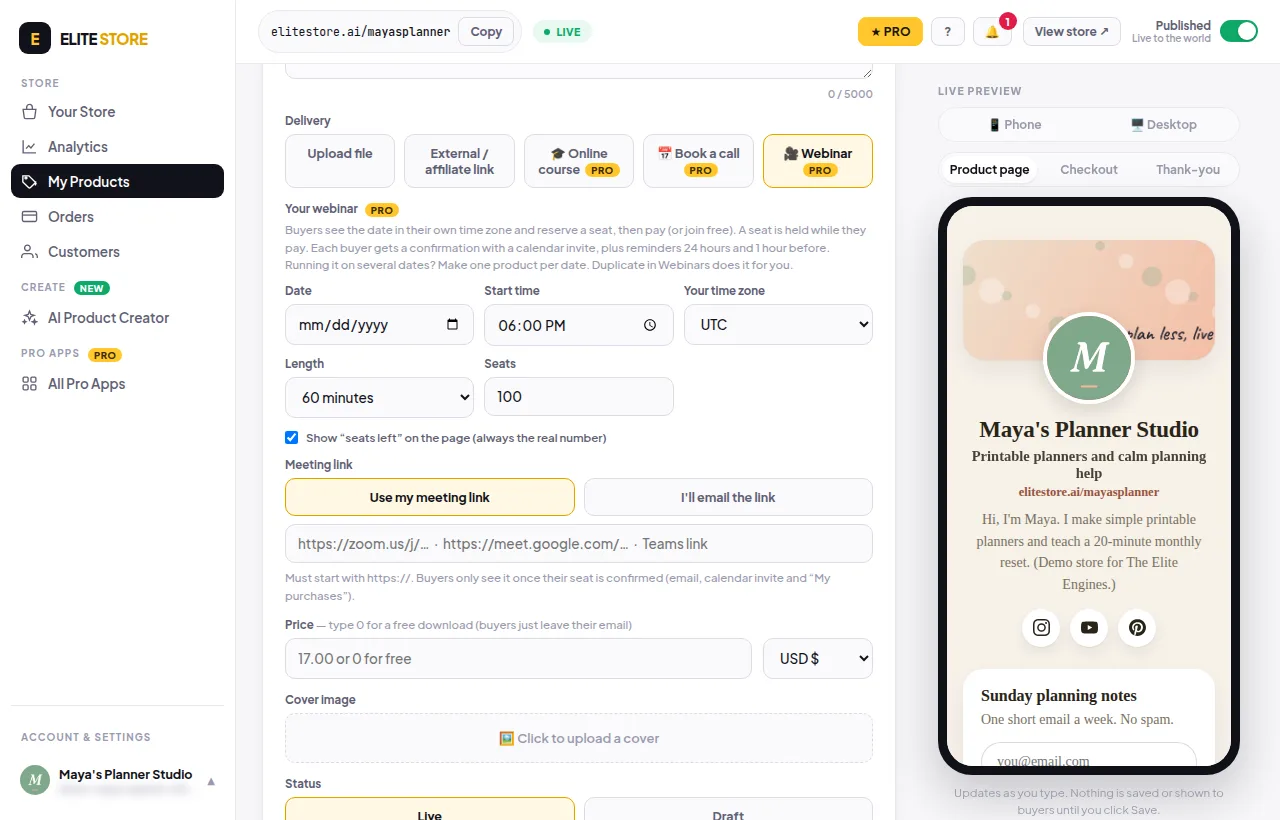
Buyers see the date in their own time zone and reserve a seat. Each one gets a confirmation with a calendar invite, plus reminders 24 hours and 1 hour before. Running it on several dates? Make one product per date. Duplicate in Webinars does it for you.
⚠️
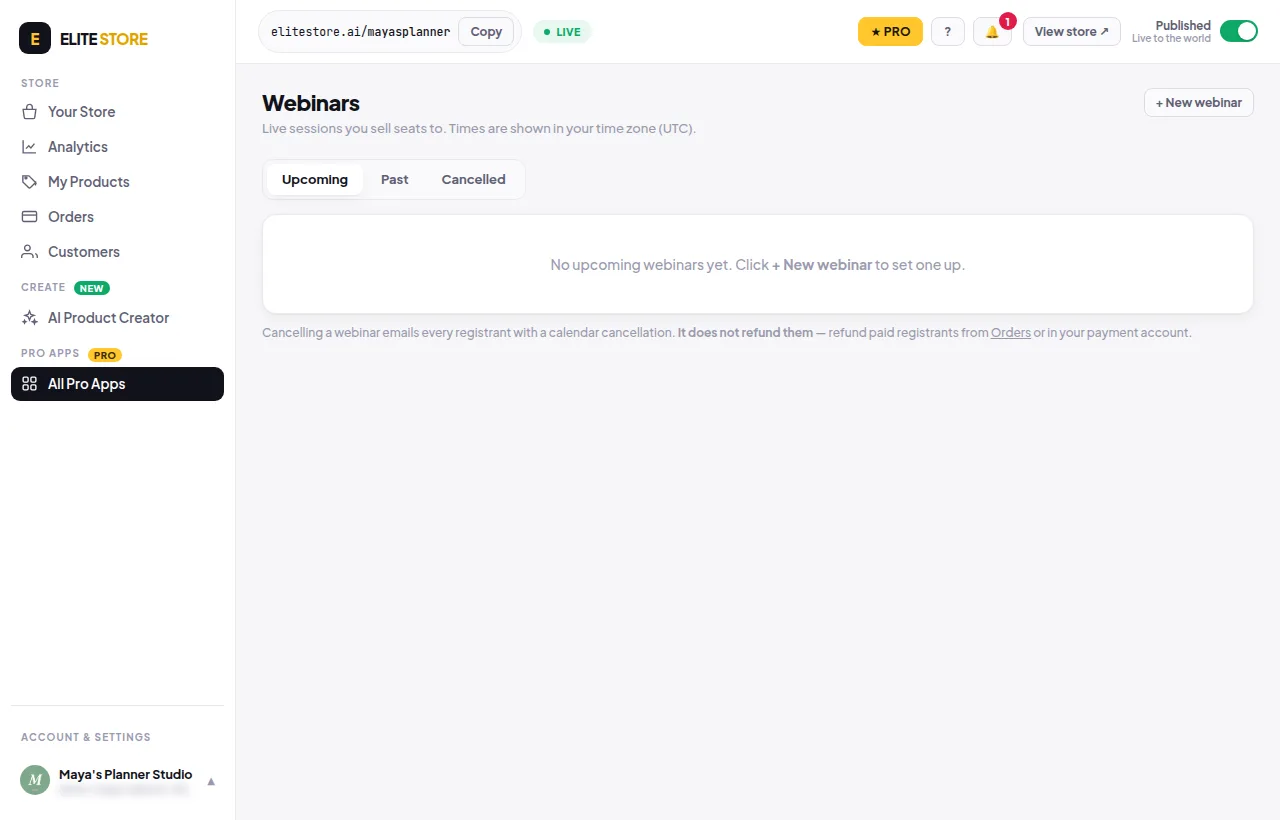
Cancelling a webinar emails every registrant a calendar cancellation. It does not refund them.
Was this helpful?Thanks for letting us know.
Questions? Email support@theeliteengines.com.