Add an order bump (checkout add-on)
Offer extra products at checkout that buyers tick and pay for in one go. Free: 1 add-on. Pro: up to 4 plus a bundle price.
- Edit a product and open More options.
- Under Order bump, click Offer an add-on at checkout.
- Pick the add-on product, set a special price and write a short headline and line about it.
- Pro: click + Add another add-on (up to 4), and set an optional “Bundle all” price for buyers who tick every add-on.
- Click Save product.
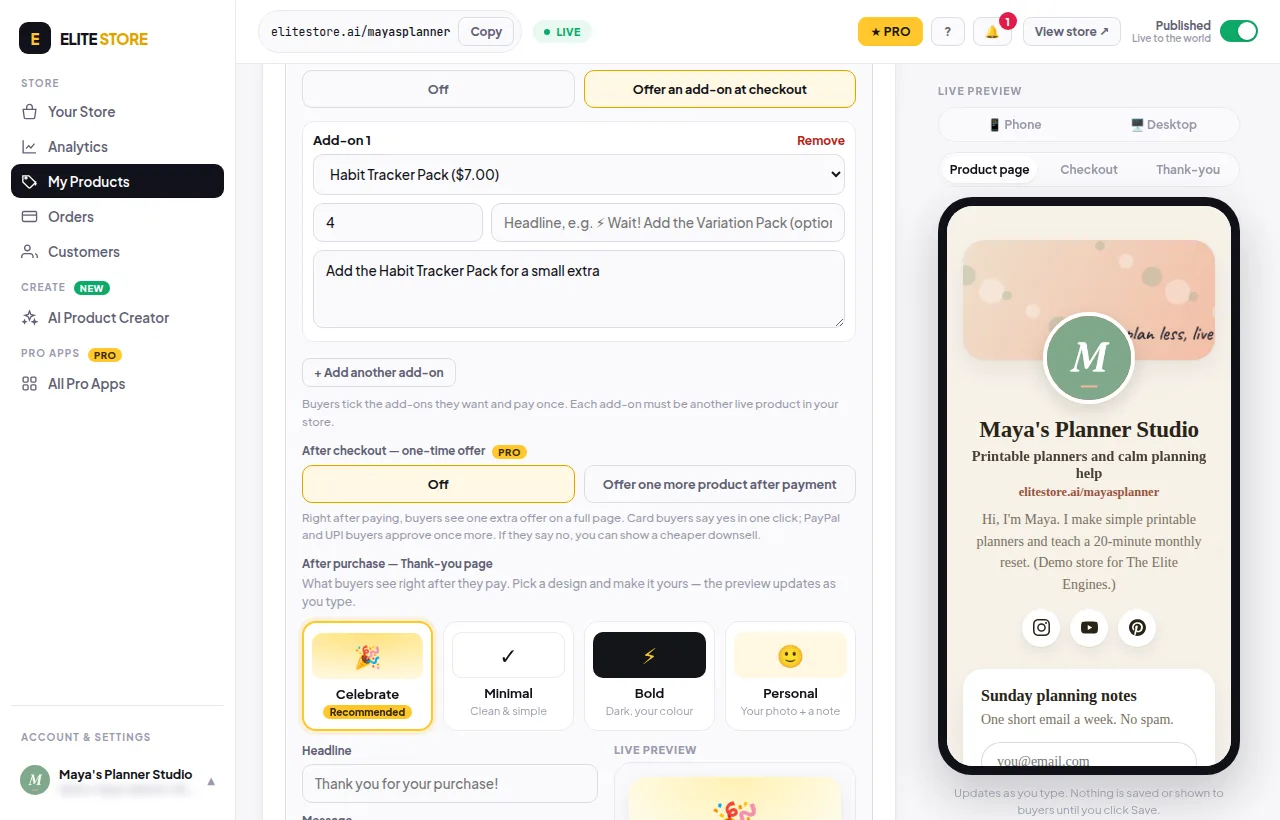
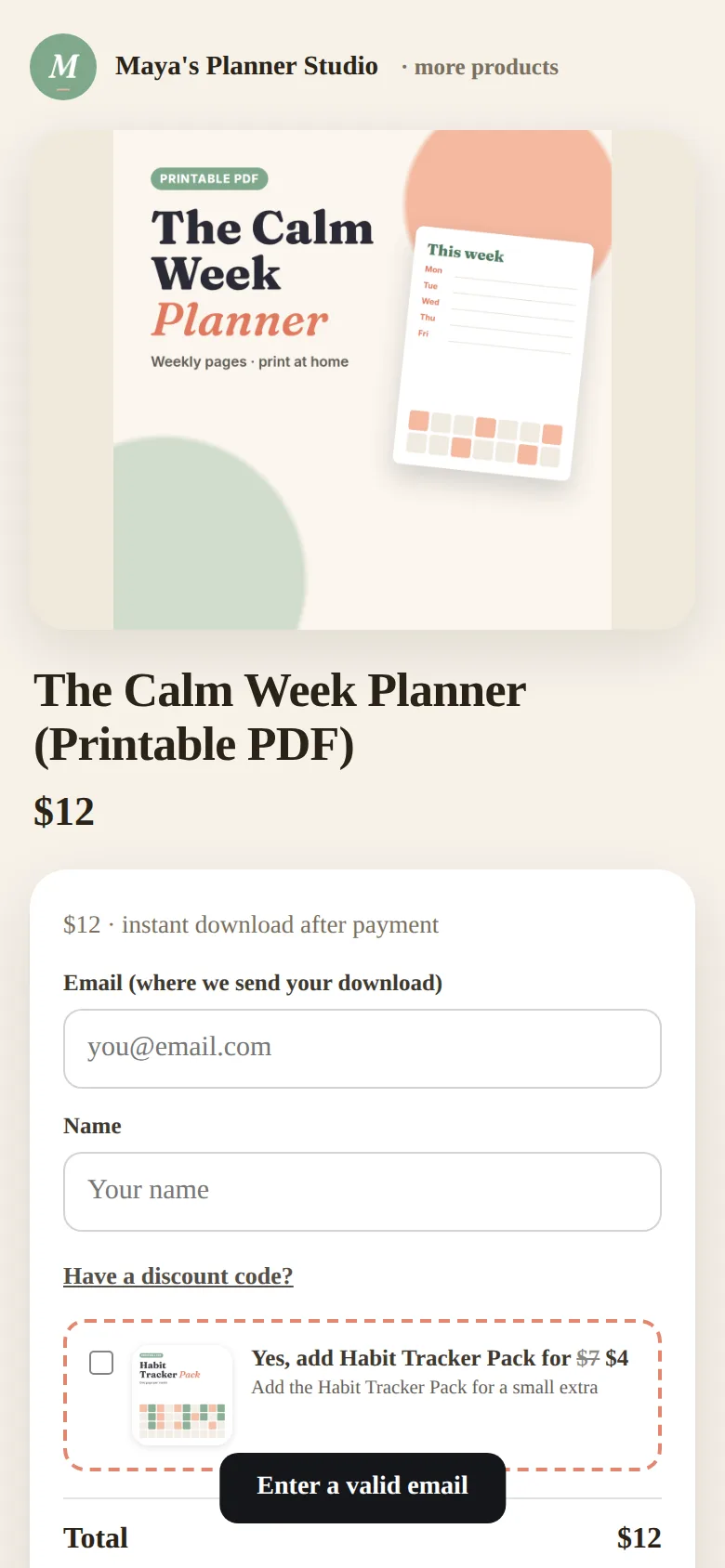
Each add-on must be another live product in your store. Tip: tick Hide from my store’s product list on an add-on if you only want it sold at checkout.
⭐
Free stores can offer 1 add-on. More than one add-on and the “bundle all” price need Pro. Compare plans
Was this helpful?Thanks for letting us know.
Questions? Email support@theeliteengines.com.