Add a one-click upsell after checkout
Show one more offer on a full page right after payment, with an optional cheaper downsell.
- Edit a product and open More options.
- Under After checkout — one-time offer, click Offer one more product after payment.
- Pick the product to offer. Optional: pick a cheaper downsell for buyers who say no.
- Click Save product.
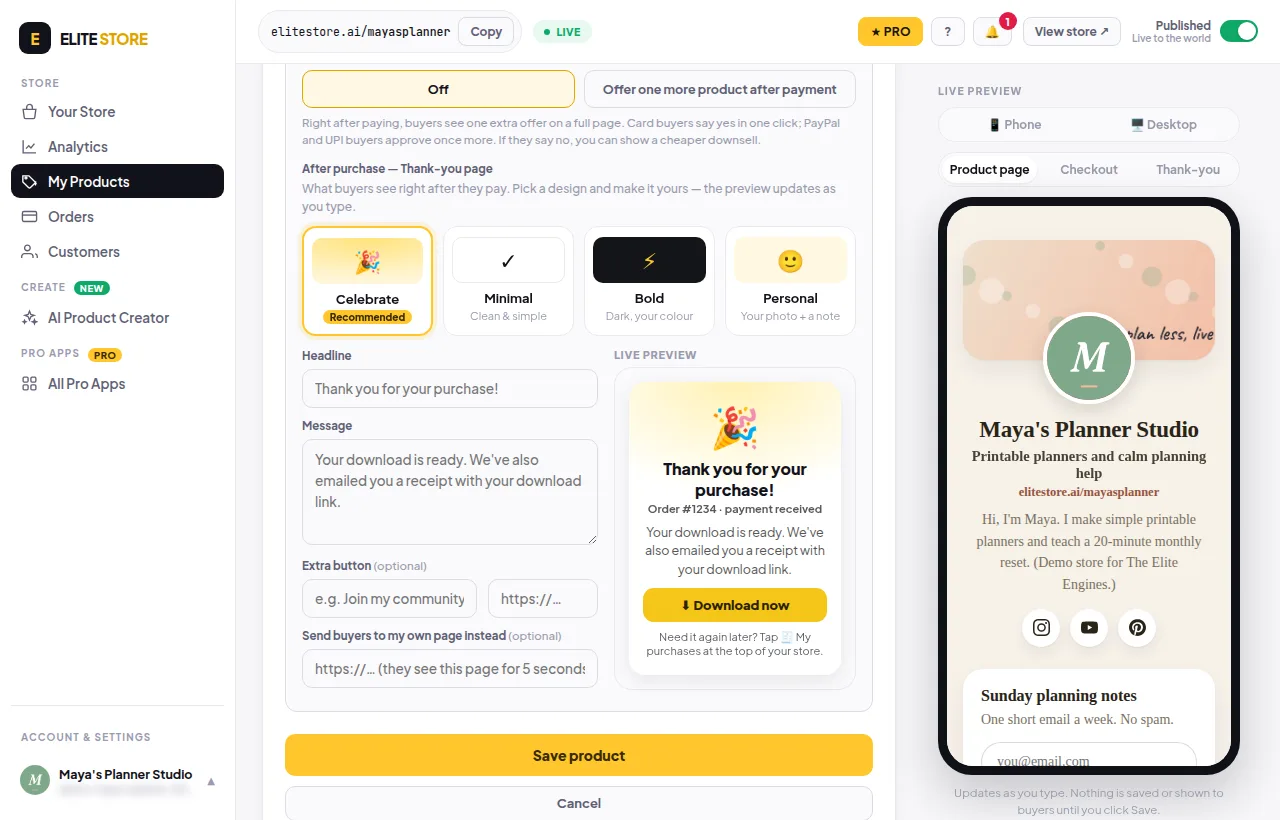
Card buyers say yes in one click. PayPal and UPI buyers approve once more.
⭐
Offers after checkout (upsell / downsell) are an Elite Store Pro feature. Compare plans
Was this helpful?Thanks for letting us know.
Questions? Email support@theeliteengines.com.