Add a cover banner and choose a layout
Upload a 1500 × 450 banner and choose List, Grid or Spotlight for your products.
Cover banner
- Go to Your Store → Design.
- Click Upload banner. Best size 1500 × 450 px. PNG, JPG, WebP or GIF, max 5MB.
- To change it, click Replace banner. Click Remove to go back to a banner in your accent colour.
Layout
- List: one product per row with its description.
- Grid: products side by side. Good when you have many.
- Spotlight (Pro): your first product shown big, the rest below. Drag your best product to the top.
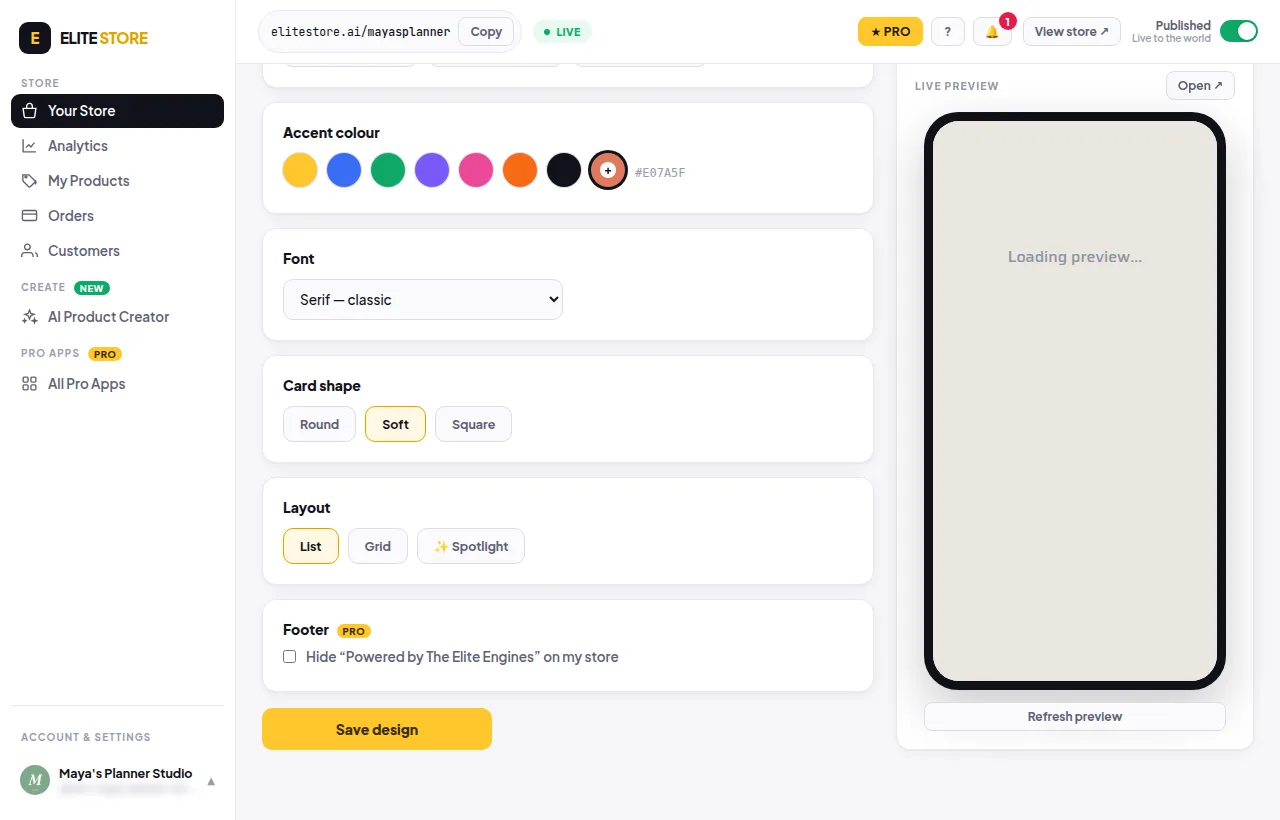
Click Save design when you’re done.
Was this helpful?Thanks for letting us know.
Questions? Email support@theeliteengines.com.