A buyer lost their download link
Download links work for 48 hours. Turn on “My purchases” so buyers can sign in and download again.
Download links work for 48 hours, and each file can be downloaded up to 5 times.
- Go to Store settings → Notifications.
- Turn on Let buyers sign in to see their purchases and save.
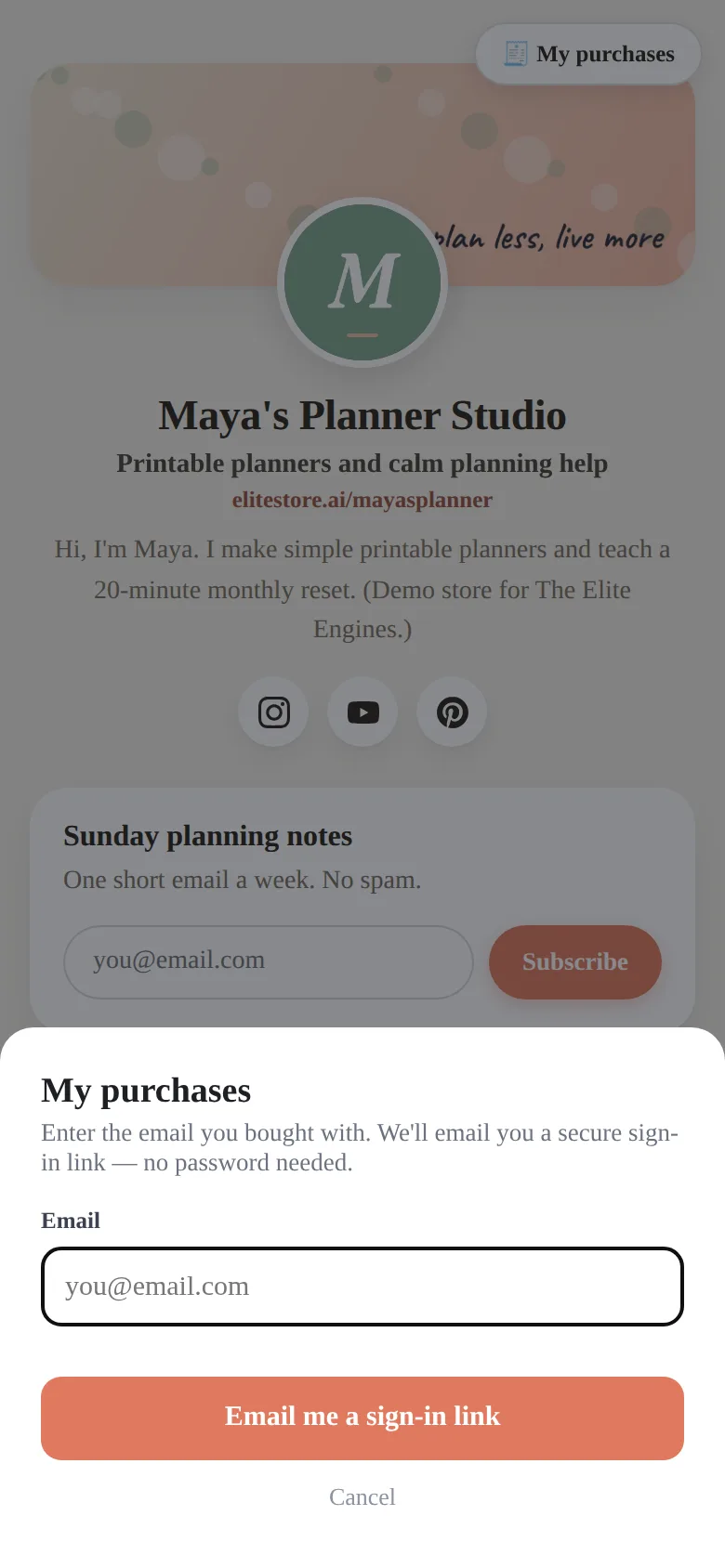
- Tell the buyer to open your store, tap My purchases and enter the email they bought with.
- They get a one-time sign-in link by email and see everything they bought from you with fresh download buttons.
💡
Still stuck? Email support@theeliteengines.com with the order details.
Was this helpful?Thanks for letting us know.
Questions? Email support@theeliteengines.com.