Win back abandoned checkouts
Buyers who enter their email but don’t pay get one friendly reminder about an hour later.
- Go to Store settings → Checkout.
- Turn on Remind buyers who didn’t finish checkout.
- Click Save checkout settings.
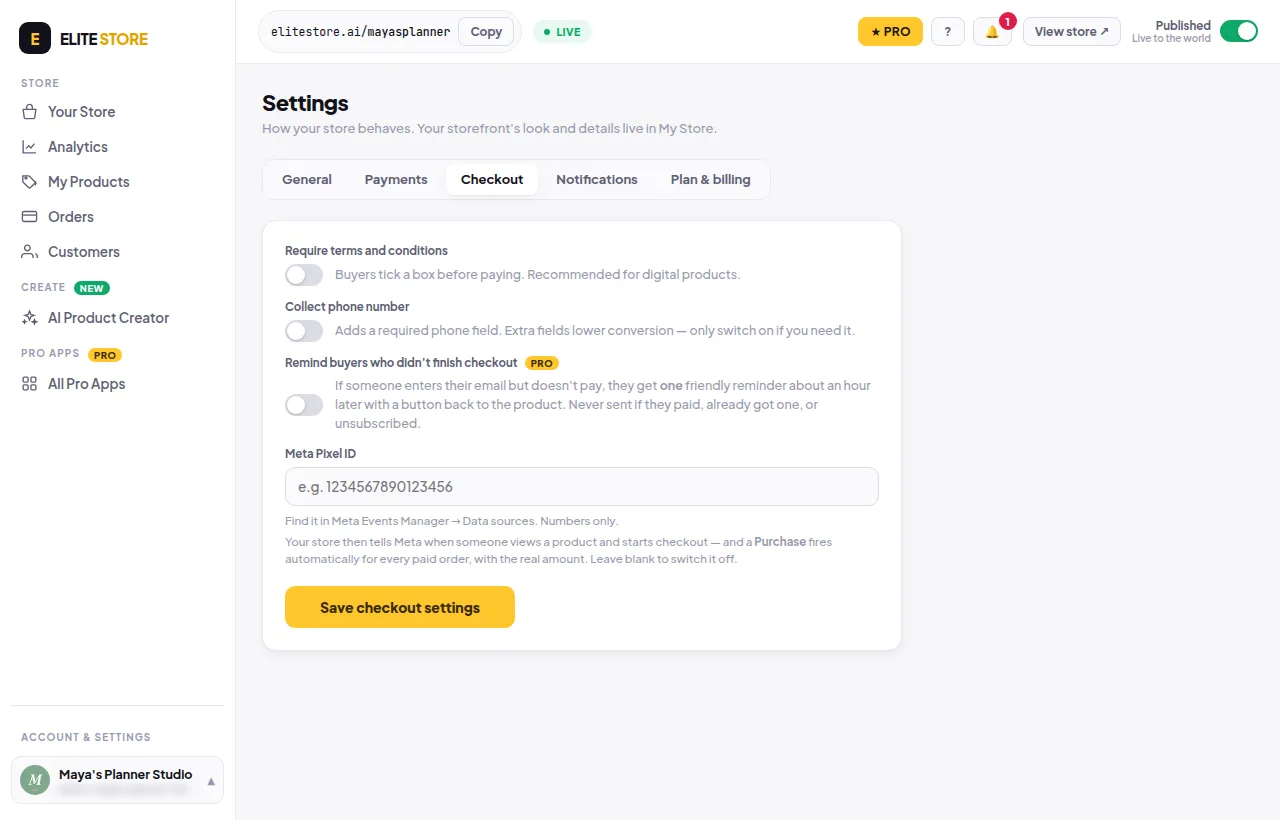
The reminder has a button back to the product. It is never sent if they paid, already got a reminder, or unsubscribed. Recovered sales show in Analytics.
⭐
Abandoned-checkout reminders are an Elite Store Pro feature. Compare plans
Was this helpful?Thanks for letting us know.
Questions? Email support@theeliteengines.com.