Change card, see invoices or cancel Pro
Use Manage billing to update your card, download invoices or cancel. Pro stays on until the end of the paid period.
- Go to Store settings → Plan & billing.
- Click Manage billing.
- On Stripe’s billing page, update your card, see invoices or cancel.
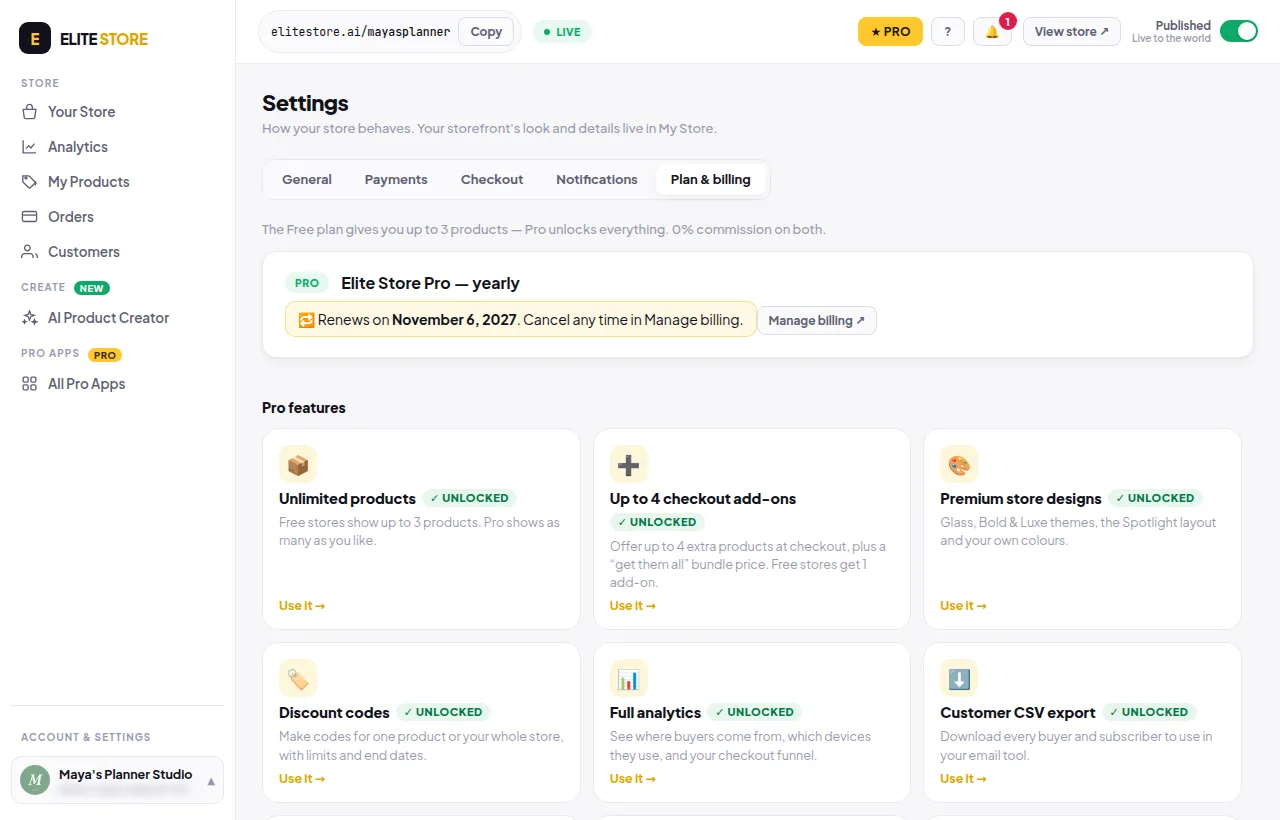
If you cancel, Pro stays on until the date shown, then your store moves to Free. Nothing is deleted.
Was this helpful?Thanks for letting us know.
Questions? Email support@theeliteengines.com.